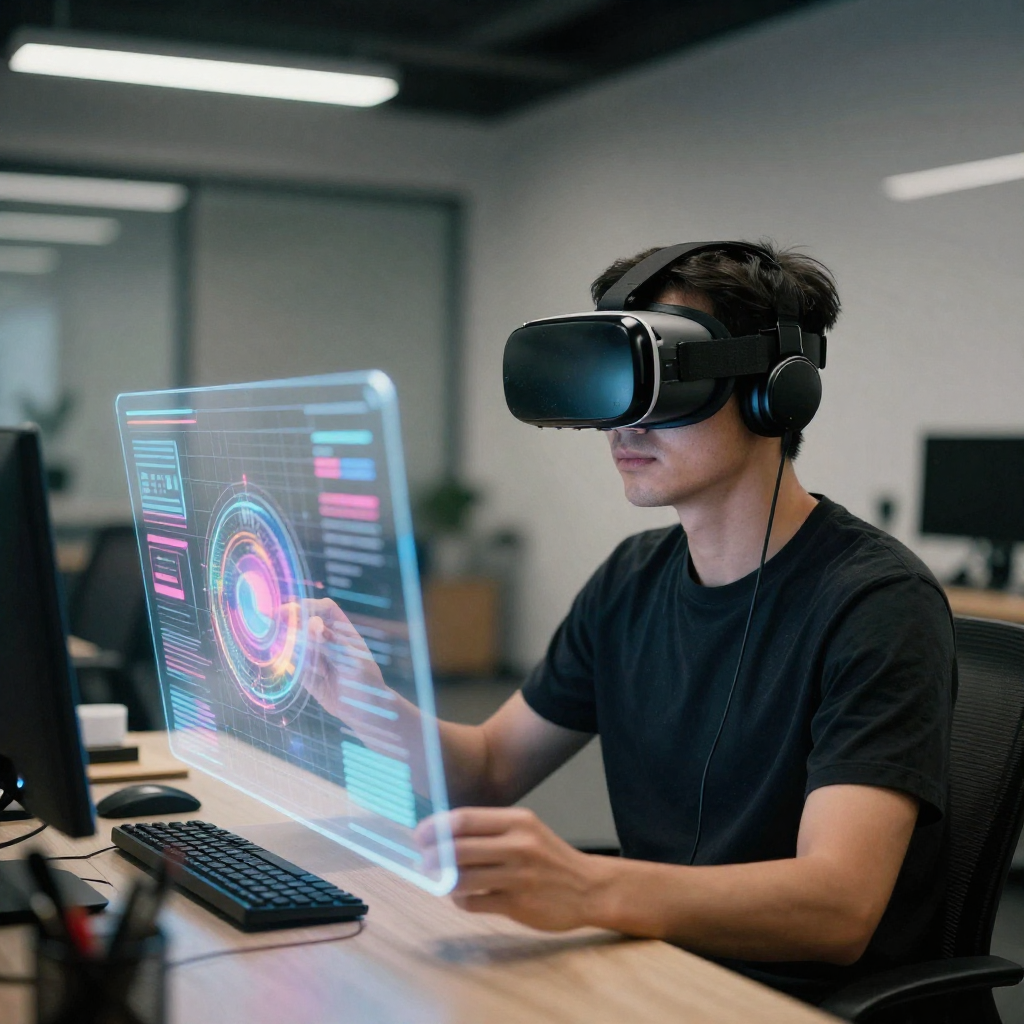
Virtual reality has moved beyond entertainment and gaming. Today, it plays a vital role in architecture, product design, education, healthcare, and training simulations. At the center of this transformation are vr design tools, which allow designers and developers to create immersive, interactive, and highly realistic virtual environments. These tools help professionals turn ideas into spatial experiences that users can explore and interact with naturally.
As demand for immersive technology grows, understanding VR design software becomes essential. Whether you are a designer, developer, educator, or business owner, using the right tools can significantly impact efficiency, creativity, and project quality.
What Are VR Design Tools?
VR design tools are specialized software applications that enable users to design, prototype, and build virtual reality experiences. These tools combine elements of 3D modeling, interaction design, spatial audio, and real-time rendering. Unlike traditional design software, VR tools allow creators to work within three-dimensional spaces rather than flat screens.
These tools are used to create virtual worlds, interactive simulations, training environments, and product visualizations. Many platforms also support collaboration, allowing multiple designers to work together inside the same virtual space.
Why VR Design Tools Matter in Modern Industries
Virtual reality is no longer experimental. Businesses now rely on immersive experiences to improve understanding, reduce costs, and enhance engagement. VR design tools help organizations achieve these goals efficiently.
In architecture, VR allows clients to walk through buildings before construction begins. In healthcare, surgeons train using realistic simulations. In education, students learn through interactive environments rather than static content. Without advanced VR design software, these experiences would not be possible.
Core Features of VR Design Tools
Most professional VR design tools share several key features that make them powerful and flexible.
They offer real-time 3D rendering, which allows creators to see changes instantly. Many include drag-and-drop interfaces to speed up development. Interaction design tools help simulate real-world actions such as grabbing, walking, or pressing buttons. Advanced platforms also support physics engines, lighting systems, and spatial sound.
Another important feature is cross-platform compatibility. Many vr design tools allow experiences to run on different headsets, desktops, and mobile devices, which increases accessibility.
Popular VR Design Tools in the Market
Several VR design tools have become industry standards due to their reliability and flexibility.
Unity is widely used because it supports VR development across multiple platforms and offers extensive asset libraries. Unreal Engine is known for high-quality visuals and realistic lighting, making it ideal for architectural and cinematic VR projects.
Blender is often used alongside VR tools for creating 3D assets. Gravity Sketch and Tilt Brush allow designers to create directly inside virtual reality, offering a more natural and creative workflow.
VR Design Tools for Beginners
Not all VR design tools require advanced programming skills. Some platforms are designed specifically for beginners or non-technical users.
Tools like CoSpaces and ShapesXR provide visual interfaces that make learning easier. These tools focus on usability and allow users to create basic VR environments without writing complex code. This approach helps beginners understand spatial design concepts before moving on to more advanced platforms.
Professional VR Design Tools for Advanced Projects
For large-scale or commercial projects, advanced VR design tools are essential. These platforms provide deeper control over graphics, performance, and interactions.
Professional tools often support scripting languages, custom shaders, and integration with external systems. They also allow optimization for performance, which is critical for smooth VR experiences. High-end tools are commonly used in enterprise training, simulation development, and product visualization.
VR Design Tools in Architecture and Real Estate
Architecture and real estate have embraced VR as a core design and presentation method. VR design tools allow architects to visualize scale, lighting, and materials accurately.
Clients can explore buildings virtually, providing feedback before construction begins. This reduces costly changes and improves communication between designers and stakeholders. Real estate developers also use VR to showcase properties that are not yet built, enhancing marketing efforts.
VR Design Tools for Education and Training
Education benefits greatly from immersive learning. VR design tools help create realistic training scenarios where users can practice skills safely.
Medical students can perform virtual surgeries. Industrial workers can learn equipment operation without risk. These tools improve retention and engagement because learners actively participate instead of passively observing.
Design Workflow Using VR Design Tools
A typical workflow starts with concept planning and storyboarding. Designers then create 3D assets or import existing models. Interaction logic is added using visual scripting or code.
After testing the experience in VR, adjustments are made to improve comfort, performance, and usability. Final builds are then deployed to the target platform. VR design tools streamline this process by combining multiple development stages into a single environment.
Hardware Compatibility and VR Design Tools
VR design tools must work smoothly with hardware such as headsets, controllers, and sensors. Popular headsets include Meta Quest, HTC Vive, and Valve Index.
Good VR tools provide built-in support for tracking, hand controllers, and room-scale movement. This ensures that virtual interactions feel natural and responsive, which is critical for user comfort.
Challenges When Using VR Design Tools
Despite their advantages, VR design tools come with challenges. Performance optimization can be complex, especially for detailed environments. Poor optimization can cause motion sickness or lag.
Another challenge is the learning curve. Advanced tools require time and practice to master. However, continuous updates and learning resources help reduce these barriers.
How to Choose the Right VR Design Tools
Choosing the right tools depends on your goals, skills, and project scope. Beginners should focus on ease of use and tutorials. Professionals should prioritize performance, flexibility, and scalability.
Budget is another factor. Some tools are free with limitations, while others require licenses. Evaluating long-term needs helps avoid switching tools later.
The Future of VR Design Tools
VR design tools continue to evolve rapidly. Artificial intelligence is being integrated to automate asset creation and testing. Cloud-based collaboration is becoming more common, allowing global teams to work together in real time.
As hardware improves, tools will support higher realism and more natural interactions. These advancements will make VR design more accessible and powerful across industries.
Best Practices for Using VR Design Tools
Start with simple environments before adding complexity. Test frequently to identify comfort and usability issues early. Optimize assets to maintain smooth performance.
Collaboration is also important. Many VR design tools allow team members to review and edit projects together, improving efficiency and creativity.
Business Benefits of VR Design Tools
Businesses using VR design tools often experience reduced costs, faster prototyping, and improved decision-making. Virtual simulations reduce the need for physical prototypes and travel.
Additionally, immersive presentations improve client understanding and engagement. This leads to stronger relationships and higher satisfaction.
Security and Data Considerations
When using VR design tools, data security should not be overlooked. Enterprise projects may involve sensitive designs or training data.
Choosing tools with secure cloud storage and access control is important. Regular updates also help protect against vulnerabilities.
Integration with Other Design Software
Most vr design tools integrate with traditional software such as CAD programs, 3D modeling tools, and animation platforms. This integration allows teams to reuse existing assets and workflows.
Smooth integration saves time and ensures consistency across projects.
Learning Resources for VR Design Tools
Many platforms provide tutorials, documentation, and community forums. Online courses and workshops also help users build skills quickly.
Staying updated with new features and best practices ensures long-term success in VR design.
Cost Considerations for VR Design Tools
Costs vary widely depending on features and licensing models. Some tools offer free versions with limited functionality. Others require monthly or annual subscriptions.
Evaluating return on investment is important, especially for businesses adopting VR at scale.
VR Design Tools and User Experience
User experience is critical in VR. Poor design can cause discomfort or confusion. VR design tools help simulate real-world interactions, improving usability.
Testing with real users is essential. Feedback helps refine navigation, controls, and visual clarity.
Ethical Use of VR Design Tools
As VR becomes more immersive, ethical considerations increase. Designers should avoid creating misleading or harmful experiences.
Responsible use of VR design tools ensures that technology benefits users positively and respectfully.
FAQs
What are VR design tools used for?
VR design tools are used to create immersive virtual environments for training, education, product design, architecture, and entertainment.
Do VR design tools require coding skills?
Some VR design tools require coding, while others offer visual interfaces suitable for beginners.
Are VR design tools expensive?
Costs vary. Some tools are free or low-cost, while professional platforms may require paid licenses.
Can VR design tools be used without a headset?
Many tools allow desktop preview, but a VR headset is recommended for full testing and interaction.
Which industries benefit most from VR design tools?
Architecture, healthcare, education, manufacturing, and real estate benefit significantly from VR design tools.
How long does it take to learn VR design tools?
Learning time depends on the tool and user experience. Basic skills can be learned in weeks, while advanced mastery takes longer.
Conclusion
VR design tools are shaping the future of digital interaction. They enable professionals to create immersive experiences that improve learning, communication, and decision-making. As technology advances, these tools will become even more powerful and accessible.
Choosing the right VR design tools, learning best practices, and staying updated with trends will help individuals and organizations unlock the full potential of virtual reality. With the right approach, VR design is not just a skill but a strategic advantage.
